
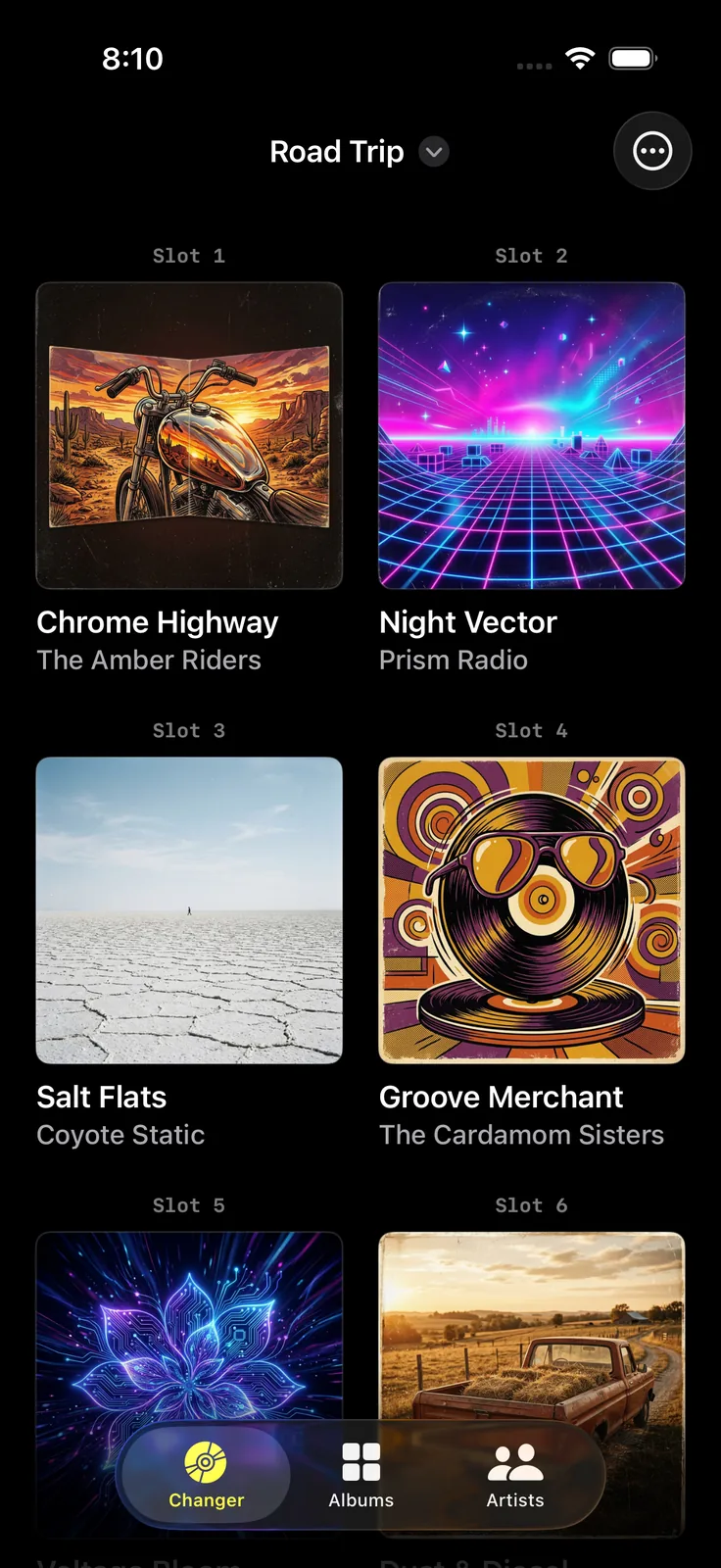
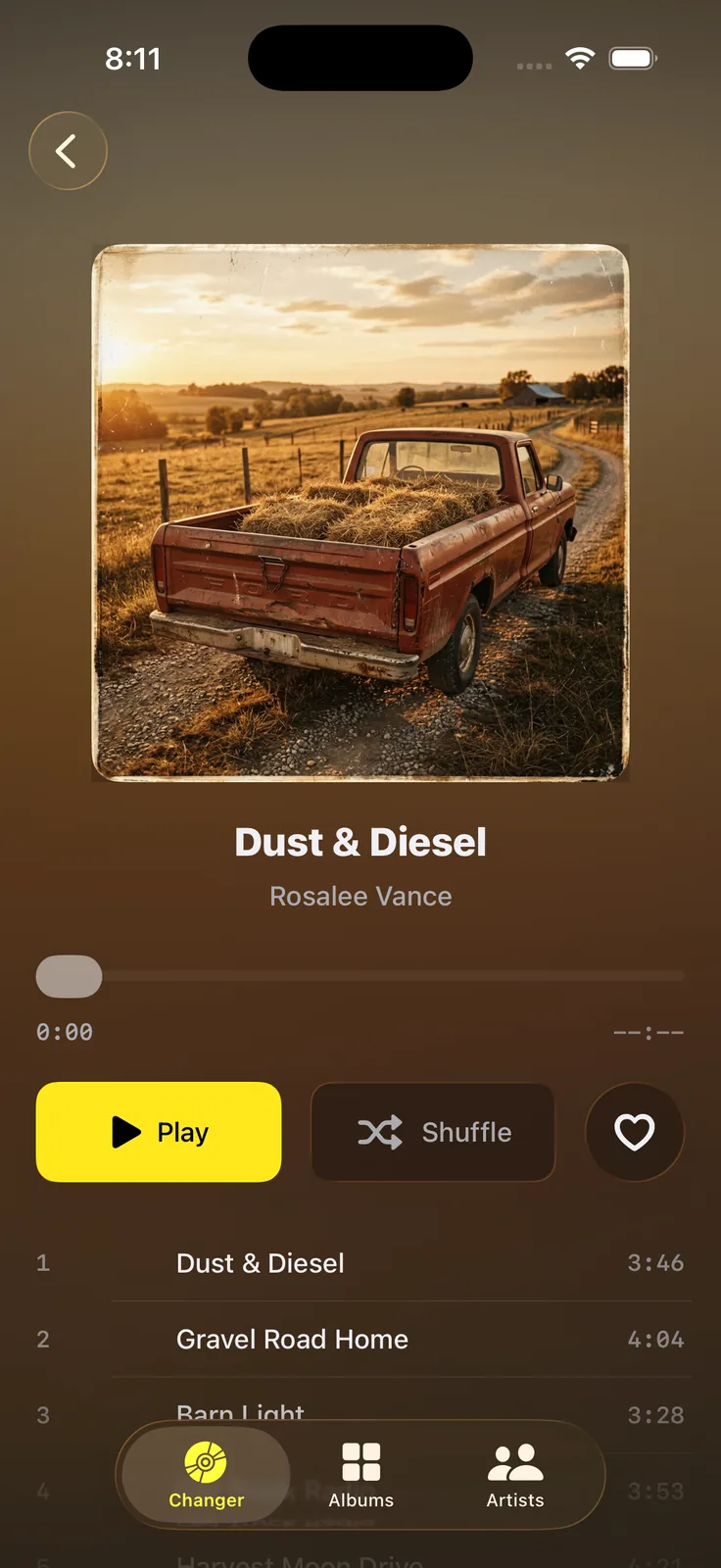
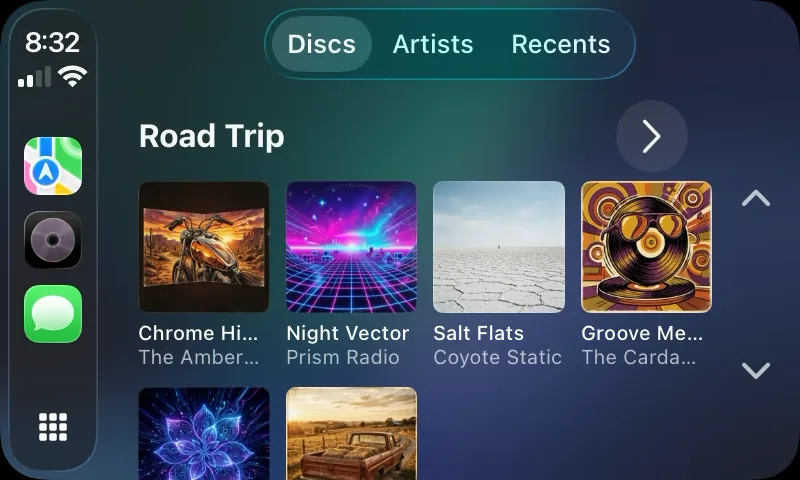
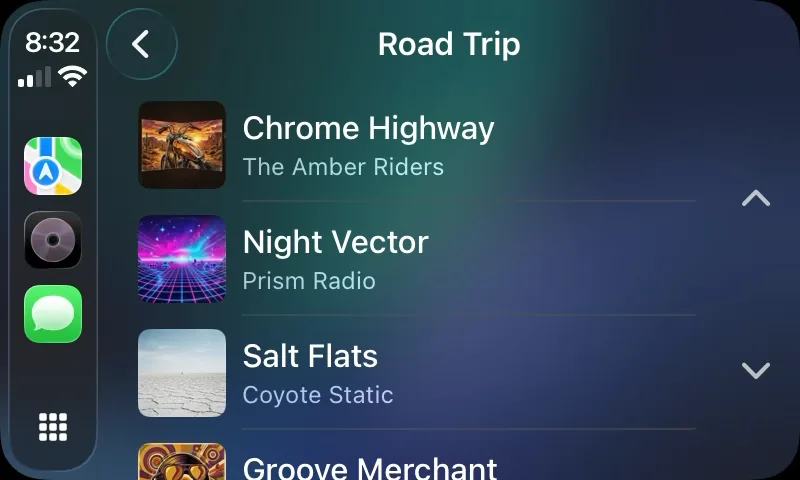
You used to load six discs before a drive and decide once. CD Changer brings that back: pick the albums at home, and in the car they are already there.
Everything in one place
- Build CD magazines from the albums already in your Music library
- Start with one six-disc magazine, free
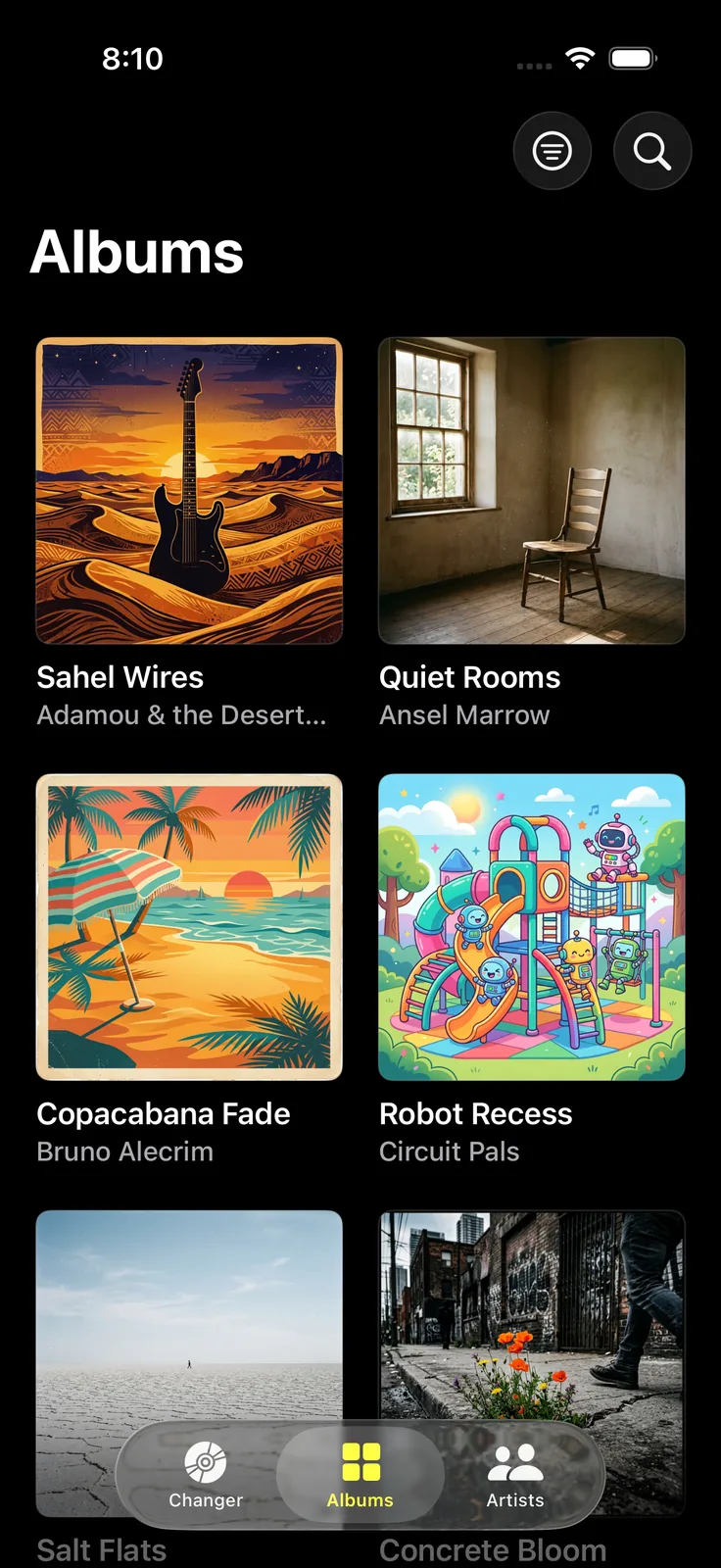
- Browse your library by album, with artwork large enough to scan at a glance
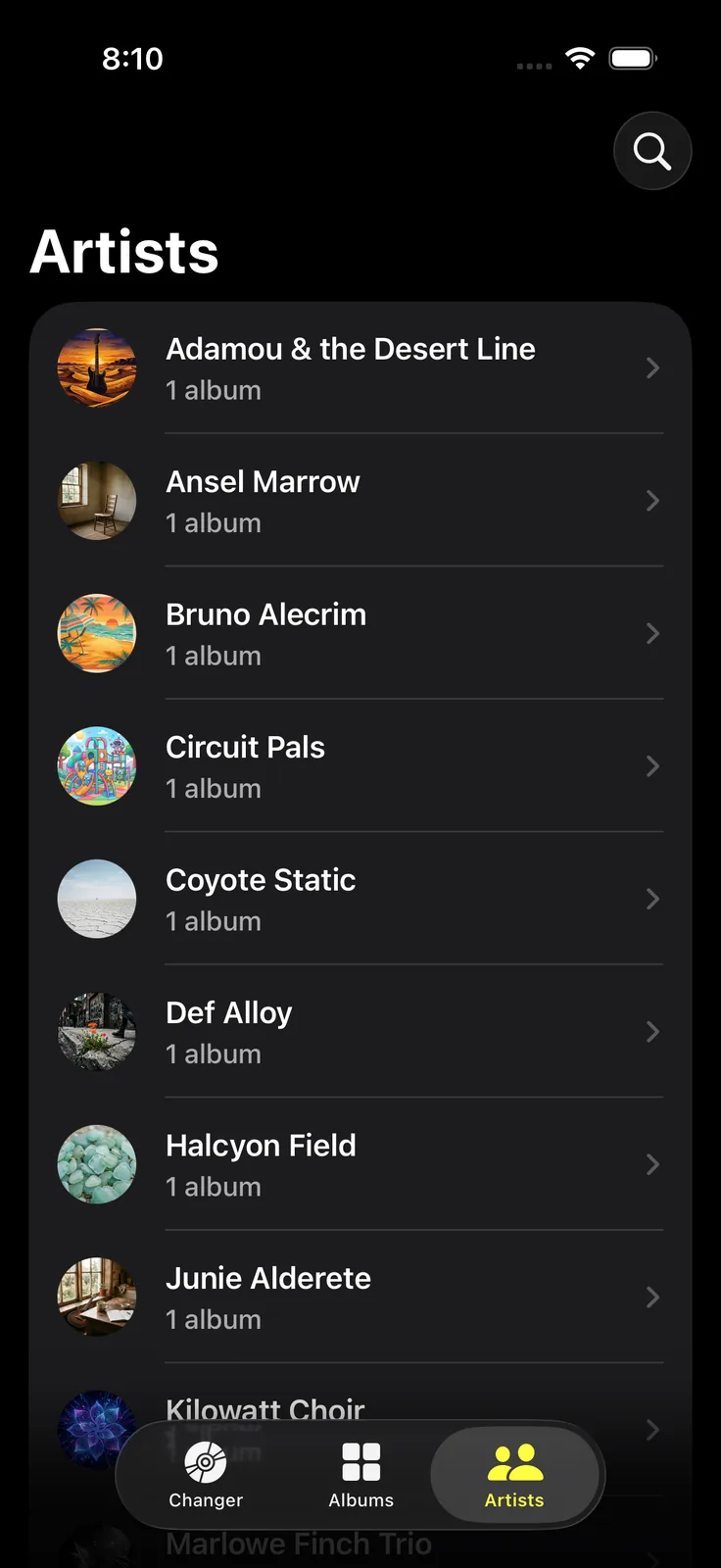
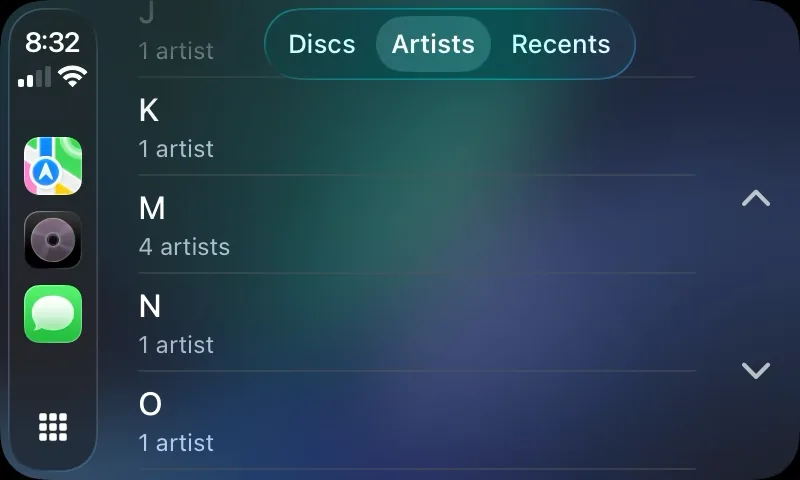
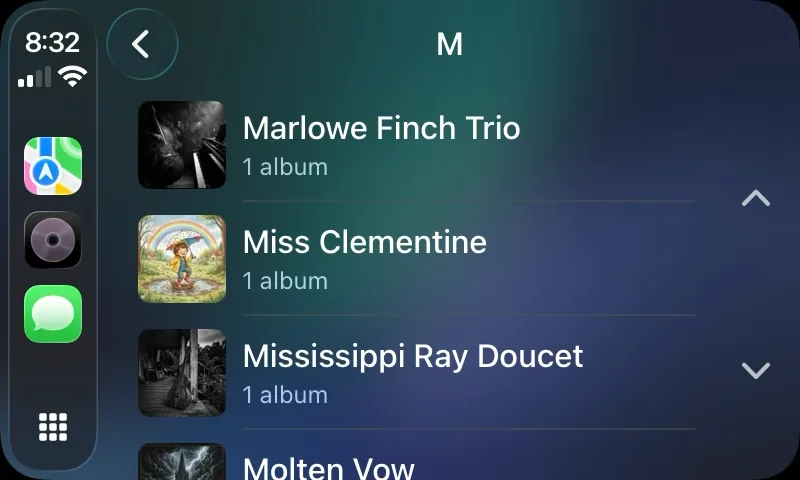
- Browse your whole library by artist, on the phone and in the car
- Open an album’s track list before you commit to playing it
- Jump back into what you were listening to yesterday
- Play, pause, skip, shuffle, and repeat from wherever you are
- Control it all from CarPlay without leaving the road
In the car
The CarPlay side is the reason the app exists. Discs shows each magazine as a full grid of album covers, the way Apple Music lays out your own library, so a six-disc magazine is one glance and one tap. Artists lets you reach something that is not loaded into a magazine at all — pick a letter, pick the artist, pick the album. Recents puts yesterday’s drive back on screen.
Free and Pro
The free app includes one magazine with six disc slots, which is a whole changer and enough for most drives. Pro is a one-time purchase, not a subscription, and unlocks unlimited magazines and unlimited slots in each of them.
Frequently asked questions
Where does the music come from? Your own Music library — music you have purchased and Apple Music albums you have added. CD Changer does not stream from a separate catalog and it does not recommend anything to you.
Do I need CarPlay to use it? No. The iPhone app is complete on its own. CarPlay needs a compatible vehicle or receiver.
Is Pro a subscription? No. It is a one-time in-app purchase, and Restore Purchases is in the app if you change devices.
Can I play a single song? Not really, and that is on purpose. The album is the unit here. You can start an album from any track in its list, but there are no playlists and no shuffle-everything mode across your library.
Does it work offline? It plays whatever your Music library can already play offline. Albums that need to be downloaded still need to be downloaded.
Is it accessible? It supports Dynamic Type and VoiceOver throughout, and text contrast is checked against WCAG AA.
Requires access to your Music library. CarPlay requires a compatible vehicle or receiver.